
Life360 Pet GPS
First-time user onboarding for the Life360 Pet GPS tracker
Problem
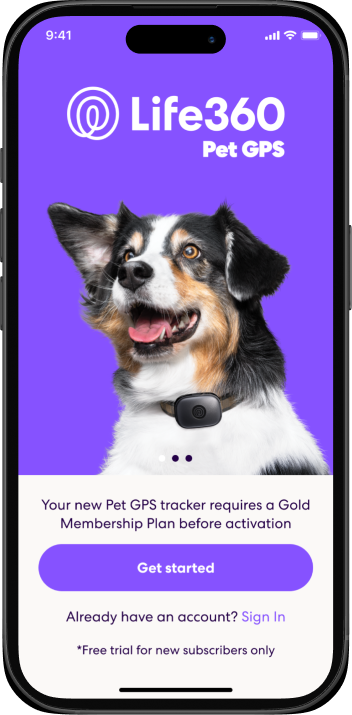
Life360 already had hardware onboarding for Tile trackers, but Pet GPS was a different category entirely. A cellular GPS tracker for pets required its own activation experience from scratch, and it came with added constraints: the product required a Gold membership to function, placing a paywall in the middle of a setup flow. Two fundamentally different user types also needed to be served. A new user who bought a Pet GPS arrived without an account, without context for what Life360 even does. An existing member just needed to connect a new device without wading through onboarding they'd already completed. One flow for both would serve neither well.
My Role
- User research
- User flows
- Wireframes
- Prototypes
- UI design
One Entry Point, Two Completely Different Jobs
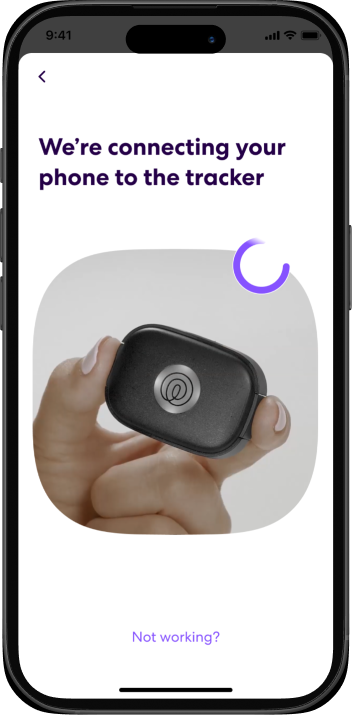
Users could reach device setup by scanning the QR code on the box or navigating there manually, but after that the experience diverges entirely based on whether they have an account. New users go through account creation, device activation, a membership paywall, and pet profile setup before reaching the main app. Existing members skip all of that and go straight to pairing, followed by safe zone setup, WiFi configuration, and notification preferences. I designed the two paths separately from the start rather than adapting a single flow to two very different contexts.
Designing for the Physical Pairing Moment
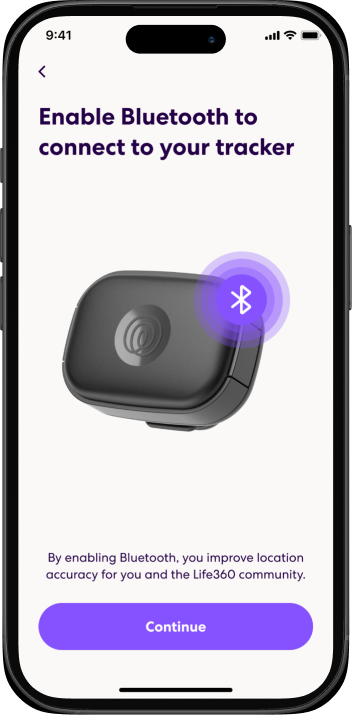
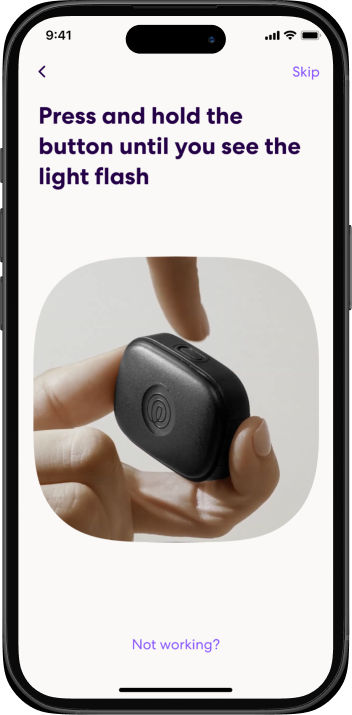
Hardware onboarding fails at the pairing step more than anywhere else, because real-world variables don't exist in software flows: Bluetooth might be off, the device might not be found, the user might not know how long to hold the button. I mapped every failure state with the Pets team and designed explicit recovery paths for each, giving the same design attention to error states as to the happy path.

A Pet Profile That Sets Up Long-Term Engagement
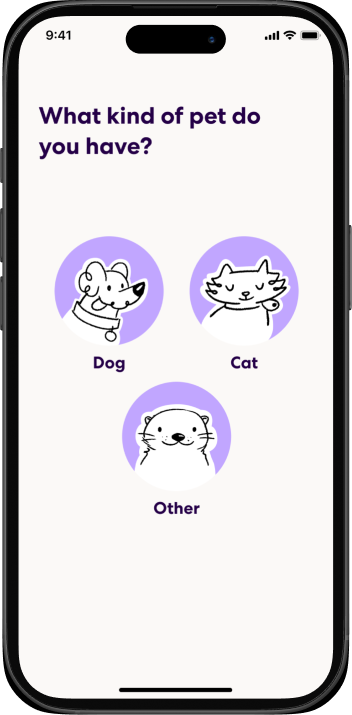
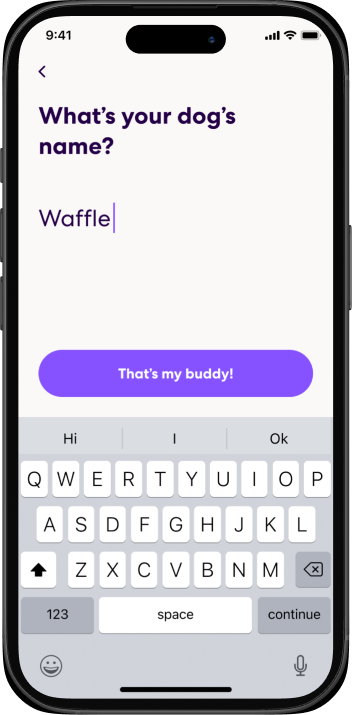
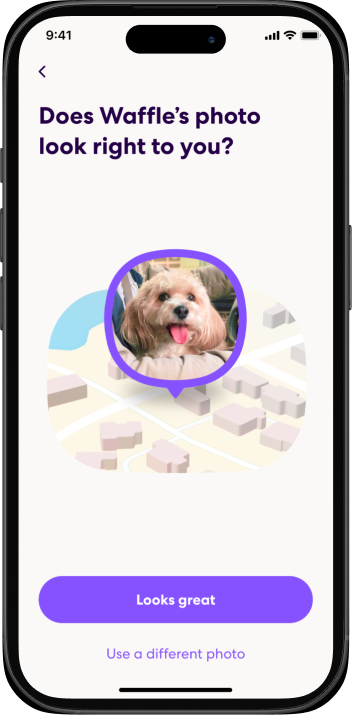
After pairing, users create a pet profile: type, name, and photo. A named, photographed pet on the map is a fundamentally different experience than an anonymous dot, so I designed this step to feel warm rather than administrative — a user who completes it is more engaged from day one.
Existing Users: Device Setup Without the Onboarding Tax
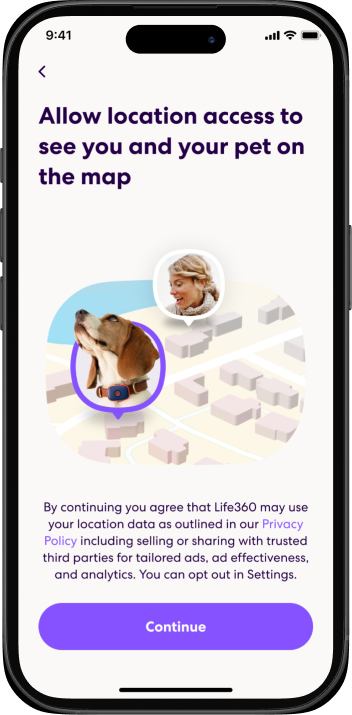
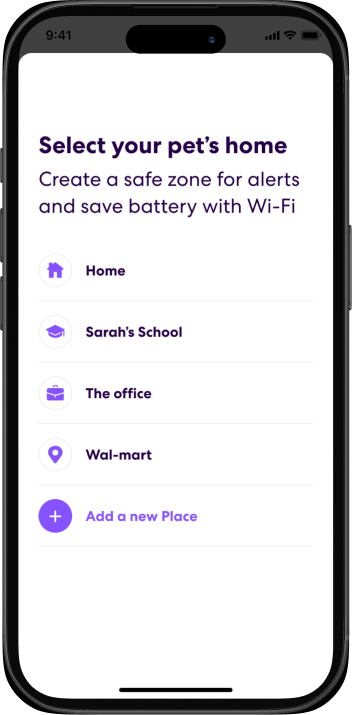
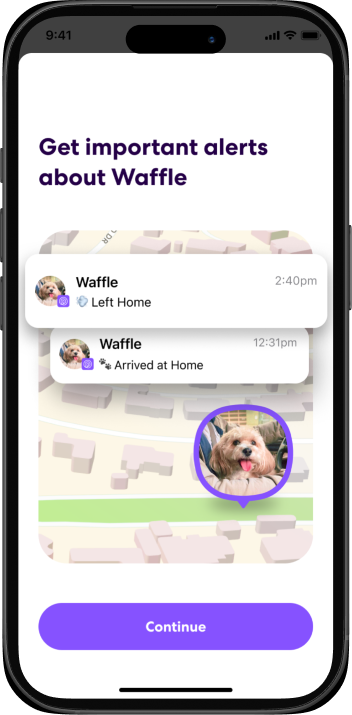
For members already in the app, the flow skips account creation and goes straight to pairing, then into safe zone setup, WiFi configuration for battery savings, and permission validation. The challenge was making it feel native to an app the user already knows, and handling branches for users who already had a pet profile set up.
After Setup: Nudges That Extend the Value
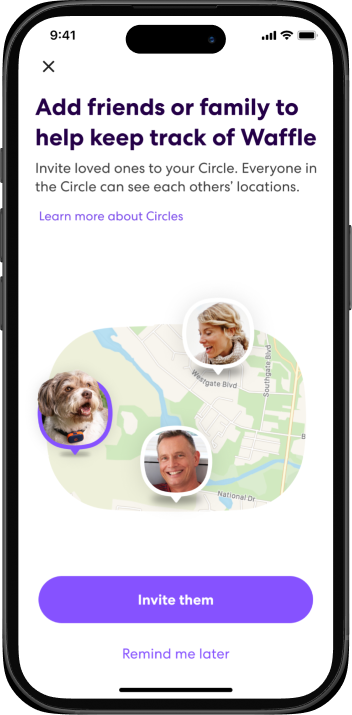
Both flows land on the map, then continue into post-onboarding nudges: one to name their Circle and invite family members, another to set up place alerts for important locations. A user who completes those steps is meaningfully more likely to stay engaged, so each nudge was designed to feel helpful rather than nagging, with clear options to dismiss or defer.
Results
Pet GPS launched in October 2025 across five markets simultaneously: the United States, Canada, the United Kingdom, Australia, and New Zealand. CEO Lauren Antonoff named it one of three company-defining platform milestones of the year. Q4 2025 was the strongest quarter in Life360's history, and by spring 2026 Life360 was adding more than 120,000 new pet profiles every week.
5
Markets at Launch
+120k
Pets Added Weekly
+576k
Q4 2025 New Subscribers