
SoundFi
Personalized 360° audio for theatrical movies
Problem
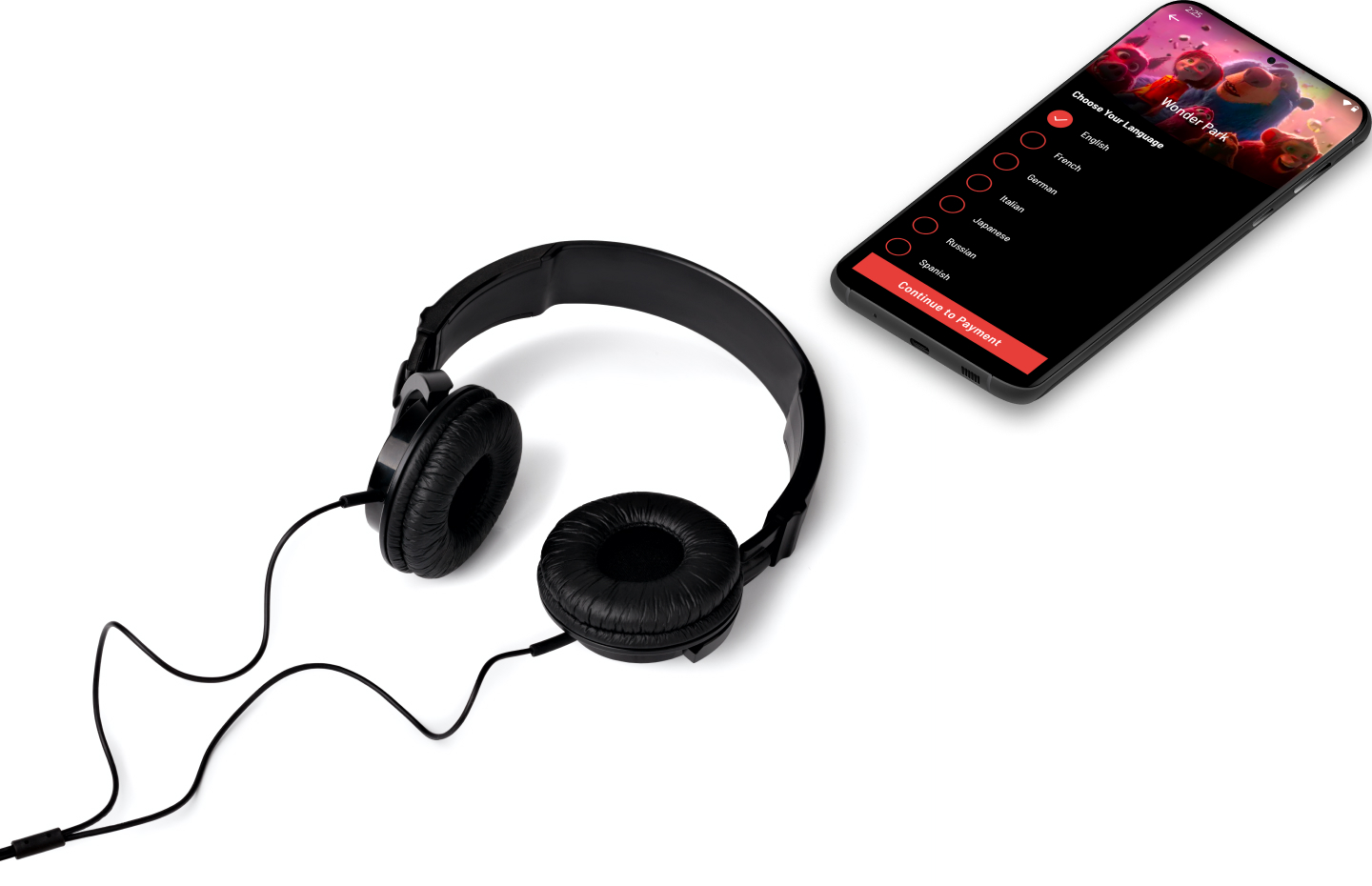
The quality of the audio experience in movie theaters is lacking, both in quality and accessibility for those who want to listen in a different language. ISBX, where I was the lead designer, was contracted to build an initial version of the app with which the client could pitch investors.
My Role
- UX & wireframes
- Art direction
- Mobile UI design
Requirements & User Stories
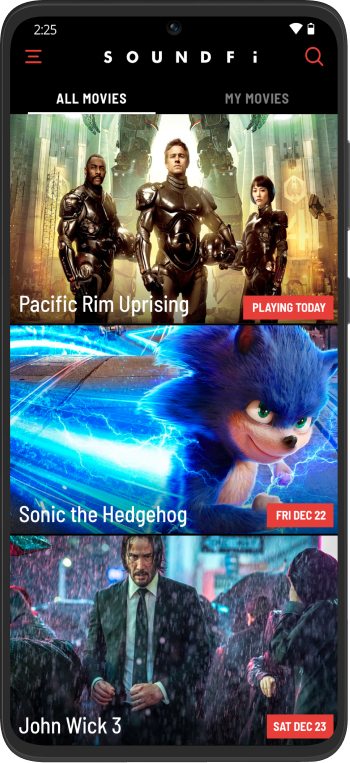
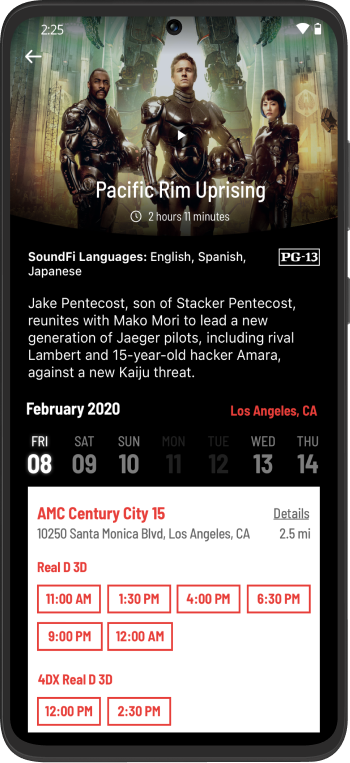
The initial feature set was designed to impress investors and studio executives.


Wireframes
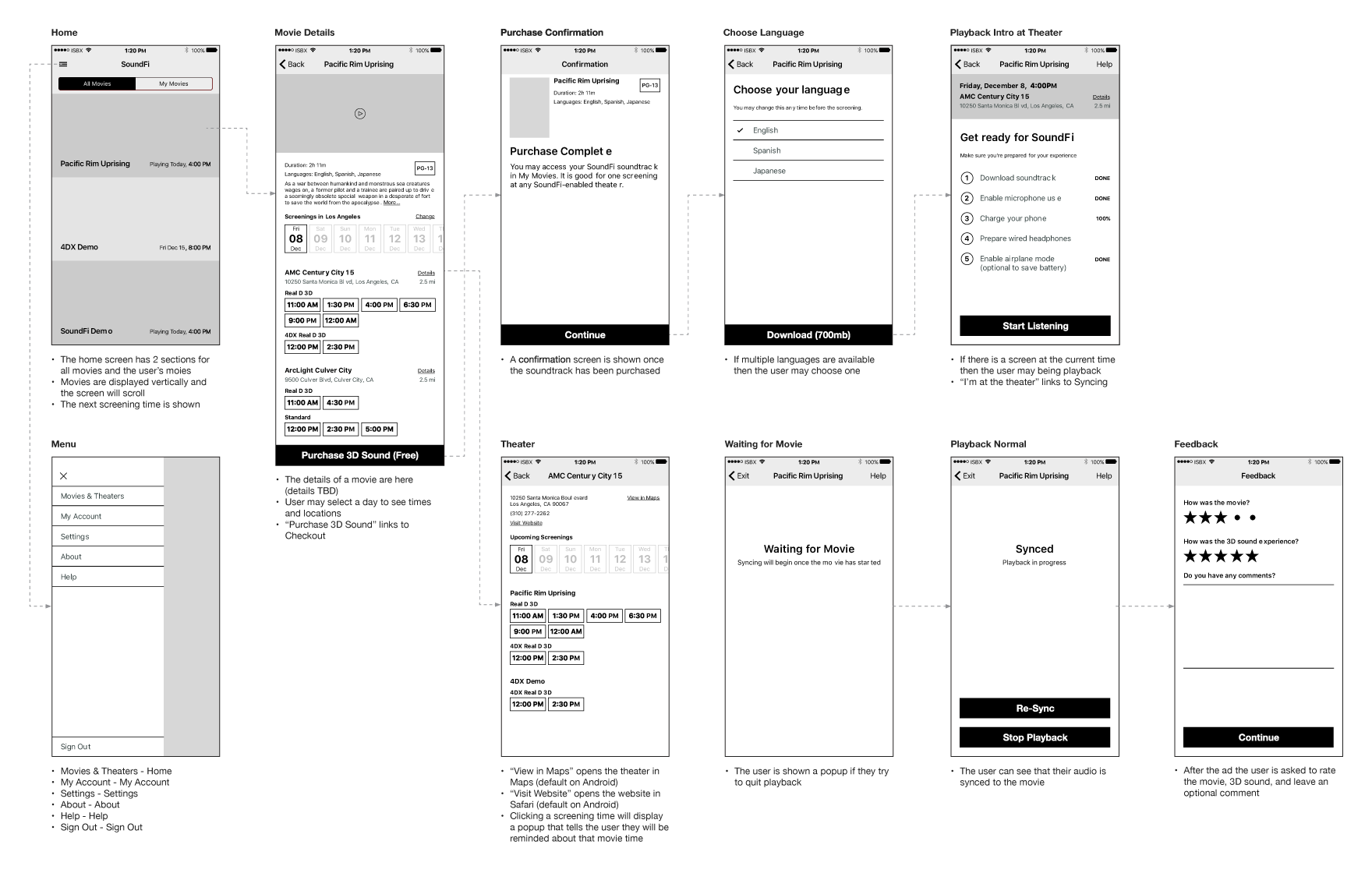
A complete set of wireframes was built to quickly map out the features and flows of the app. This helps save time with the client as they can focus on the functionality without being concerned about visuals.
User Testing Results
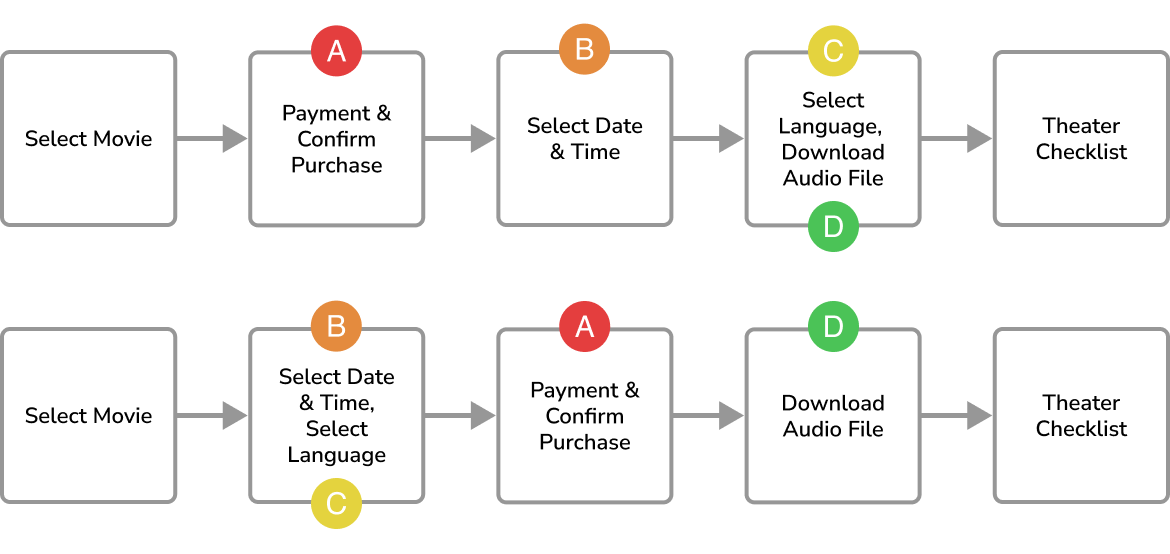
We ran many paid user studies to test the UX of the app. Although users weren't actually paying for the movie soundtracks, they had to enter a promo code and doing this first was confusing. We moved this step to after the date & time selection so it made more sense in context.
Design Evolution
The design changed through research and user testing. Colors were updated to better reflect the movie theater theme, and button designs changed after users reported they didn't realize they were tappable.
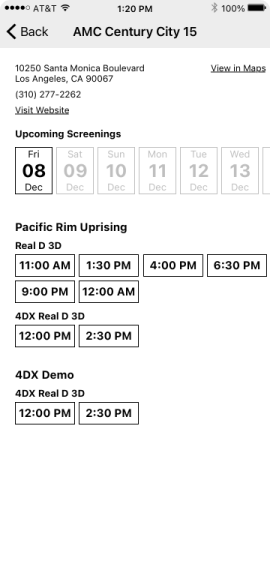
Initial wireframe
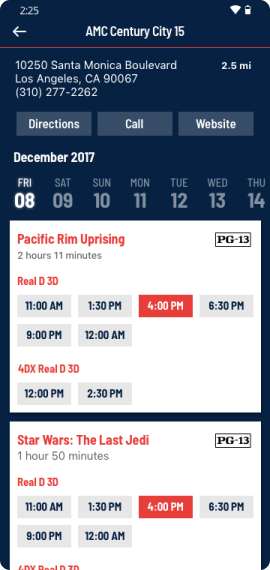
Color and typography added
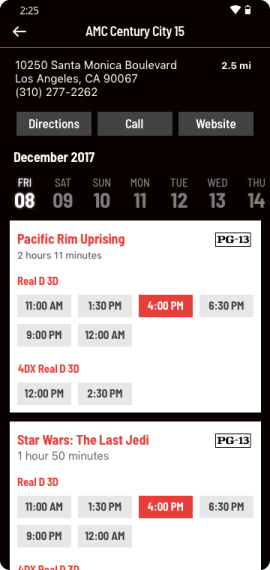
Blue replaced with black for a movie theater feeling
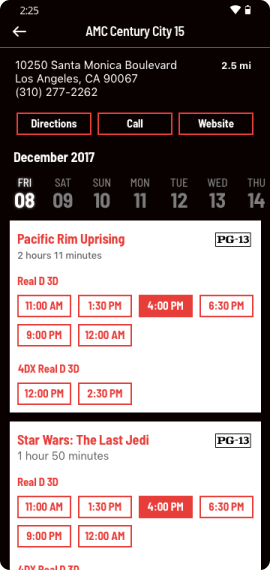
Button design updated for better usability
Playback
Prior to playback, we provide a checklist of items users must complete. Once in the theater, the app listens for an inaudible cue that syncs the movie to their device's audio. The in-theater screens were purposely designed with only black and red to minimize distracting light leak. We included a feedback form after each movie through which we received valuable UX insights.
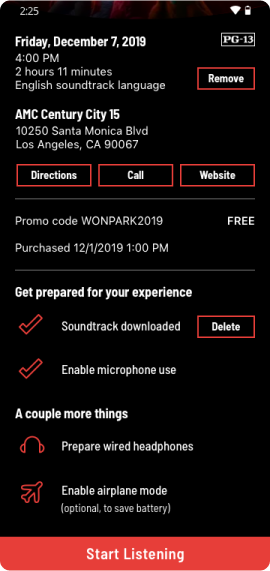
Theater checklist
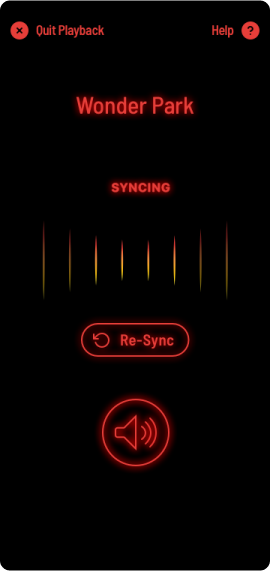
Syncing in-progress
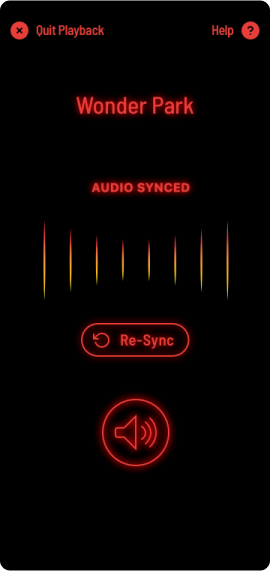
Audio synced
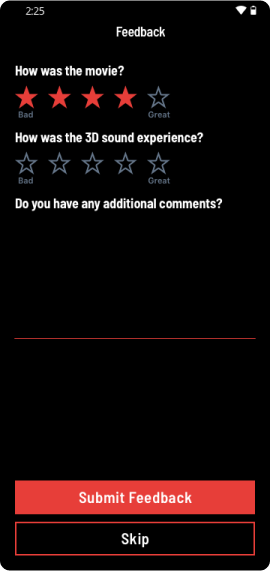
User feedback
User Instruction & Guidance
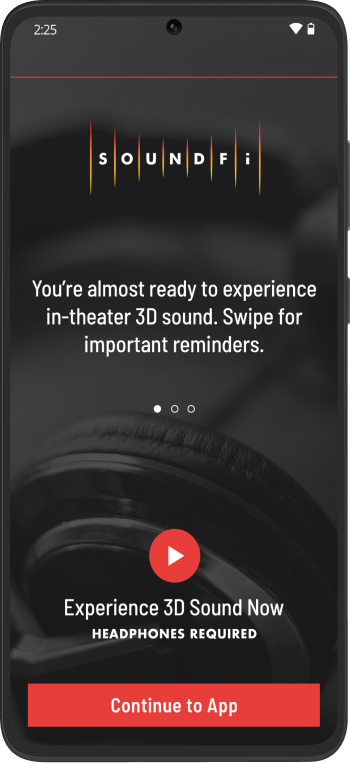
We wanted to make sure users were comfortable with the app and included many instructional components to guide them.
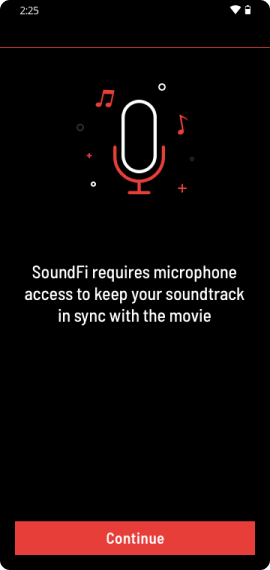
Permission priming
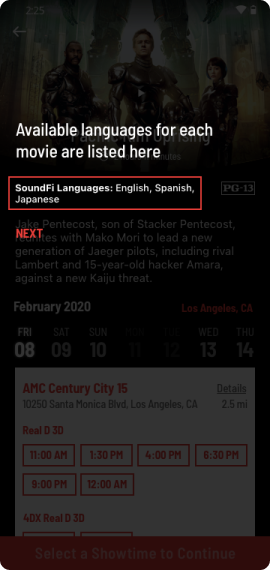
Language indicator
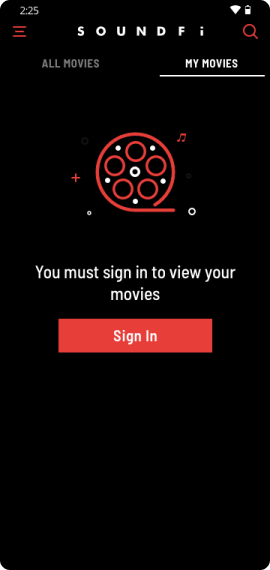
Empty state
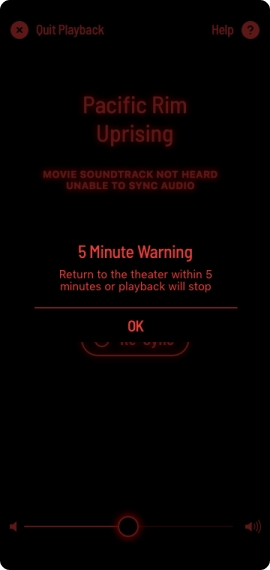
Pop-up warning
Results
SoundFi launched to a limited test market and quickly expanded to multiple countries and many languages. It was designed and developed for both iOS and Android platforms, ensuring everyone could use it.
24
Languages
4
Countries
2
App Platforms